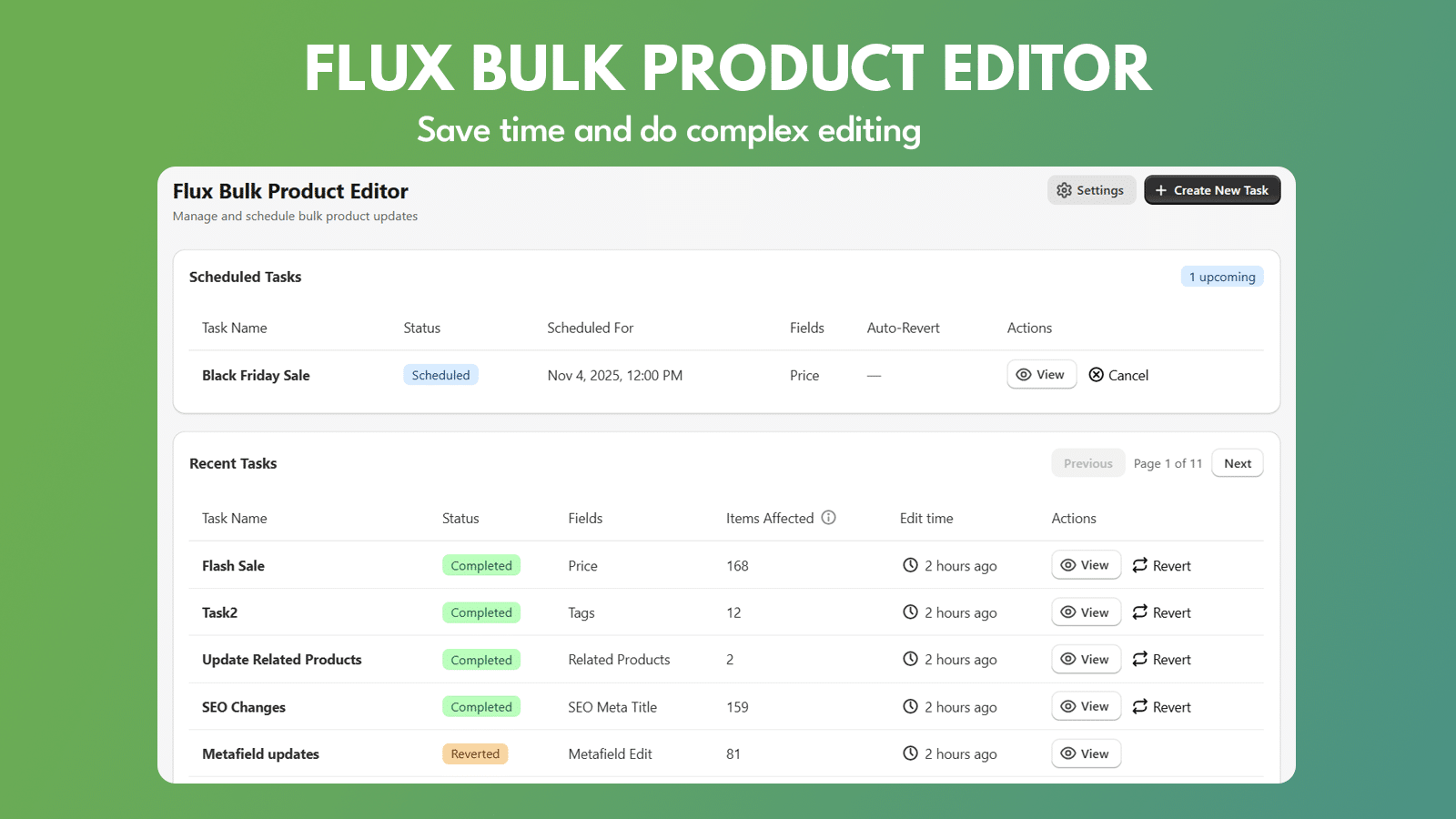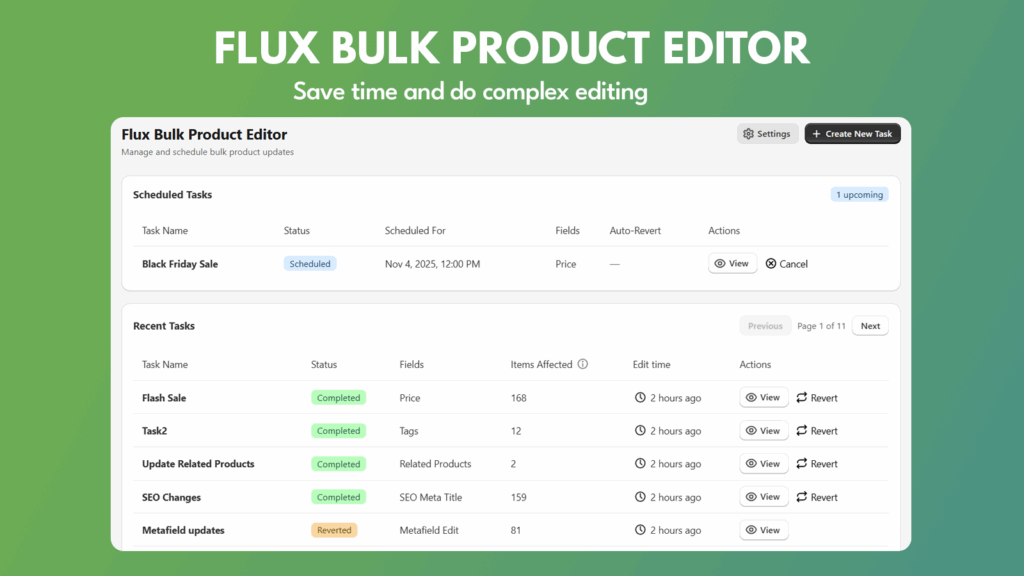
Managing a large Shopify catalog can be time-consuming and error-prone. Changing prices for sales, editing metafields, or updating SEO content manually for hundreds of products takes hours of repetitive work. That’s why thousands of merchants are turning to Flux, the Shopify Bulk Product Editor built to simplify product management, automate updates, and save valuable time.
Flux is more than a tool — it’s the best Shopify app for bulk editing, scheduling, and auto-reverting product updates. Designed for merchants who need speed, flexibility, and control, Flux allows you to automate routine tasks, manage complex catalogs, and keep your store perfectly in sync.
Why Shopify Merchants Need a Bulk Product Editor
Shopify’s built-in bulk editor is functional for small catalogs, but once you manage hundreds or thousands of SKUs, it quickly becomes inefficient. Flux solves that by offering:
- Bulk edits for products, variants, and metafields
- Scheduled updates for future promotions
- Auto-revert after campaigns or sales
- Advanced filtering to target exactly the right products
- Detailed task history with manual revert options
The result? Faster workflows, fewer errors, and total confidence that your catalog is always up to date.
Designed for Promotions, Discounts, and Time-Limited Sales
Flux excels at scheduling price changes in bulk — perfect for sales and seasonal campaigns. Merchants can:
- Schedule price updates to start and stop automatically
- Decrease or increase prices by fixed amount or percentage
- Round prices to the nearest whole number or set endings like
.99or.95 - Automatically revert prices when a sale ends
- Add tags to identify discounted products
No need to stay up late to start a sale or reset prices manually afterward. Flux handles it all automatically, making it one of the best Shopify apps for time-based pricing automation.
Advanced Filtering to Target the Right Products
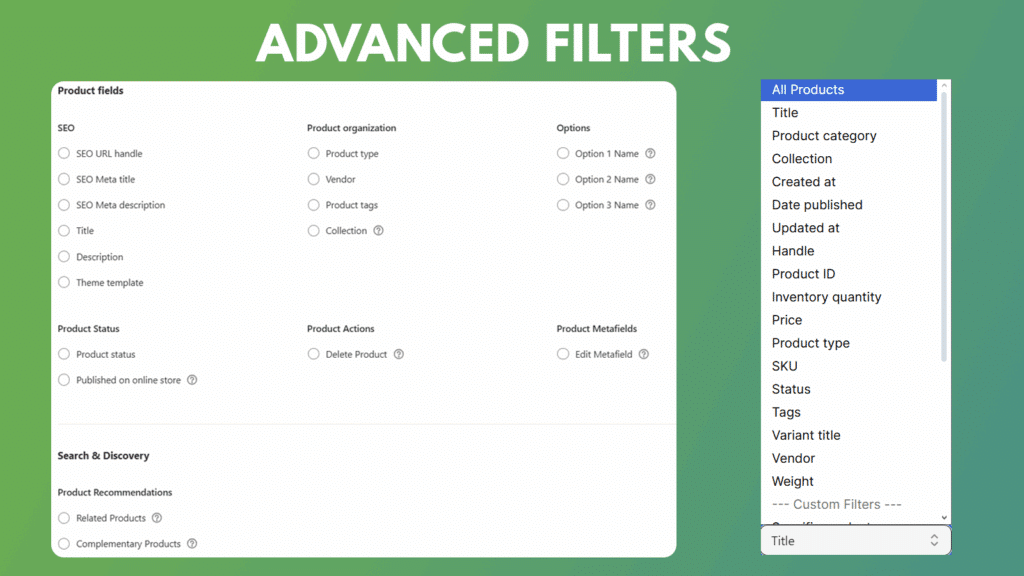
Flux features one of the most powerful filtering systems in any Shopify bulk editor. You can apply edits to specific subsets of your catalog using dozens of filters, such as:
- Title, SKU, Vendor, or Product Type
- Price, Inventory, Weight, or Status
- Collection membership
- Tags, Variants, or Metafields
- Products missing images or compare-at prices
- Duplicate SKUs or titles
- Completely out-of-stock products
You can combine multiple filters to create complex conditions, like “Price greater than $50 and Vendor is Nike.” These advanced filters make Flux the most precise Shopify bulk product editor available.
Go Beyond Shopify’s 100-Variant Limit
One of the biggest limitations in Shopify’s native editor is the 100-variant editing cap. Flux bypasses that restriction, allowing you to update variant-level data across thousands of products. This is ideal for merchants managing complex catalogs with multiple size, color, or material options.
Flux efficiently handles bulk variant updates without errors, saving hours that would otherwise be spent editing each product manually.
Comprehensive Field Editing – Every Shopify Field, One Interface
Flux gives you access to nearly every editable product field in Shopify. Whether you’re managing SEO, Google Shopping data, or inventory, Flux keeps all product management in one place.
Variant Fields
- Price
- Compare-at Price
- SKU
- Barcode
- Inventory Quantity
- Continue Selling When Out of Stock
- Track Inventory Quantity
- Weight / Weight Unit
- Taxable / Tax Code
Product Fields
- Title
- Description
- SEO Title, Description, and URL Handle
- Product Type / Vendor / Tags / Collection
- Product Status (Active, Draft, Archived)
- Theme Template
- Metafields (edit or replace existing values)
- Published on Online Store
Search & Discovery
Flux makes it incredibly easy to assign Related Products and Complementary Products in bulk — a feature that normally requires using Shopify’s Search & Discovery app one product at a time.
For example, you can bulk-assign “Snowboard Gloves” as complementary to “Winter Jackets,” or set an entire collection of accessories as related to a main product line. This alone can save hours for merchants managing large inventories.
Google Shopping Fields
Flux supports advanced Google Shopping attributes, letting you edit:
- Custom Labels (0–4)
- Size, Color, Material, Gender, Age Group
- Condition, Product Type, and Manufacturer Part Number (MPN)
[Insert Screenshot – Field Selection Interface]
Simplify Metafield Management
Metafields add flexibility to Shopify but are tedious to edit one by one. Flux makes bulk metafield editing simple:
- Modify hundreds of product metafields simultaneously
- Filter by product tags or collections before editing
- Maintain consistent values across entire collections
- Update variant-level metafields for complex products
Flux is perfect for merchants who use metafields for dynamic content, detailed product information, or integration with third-party systems.
Advanced Price Editing Capabilities
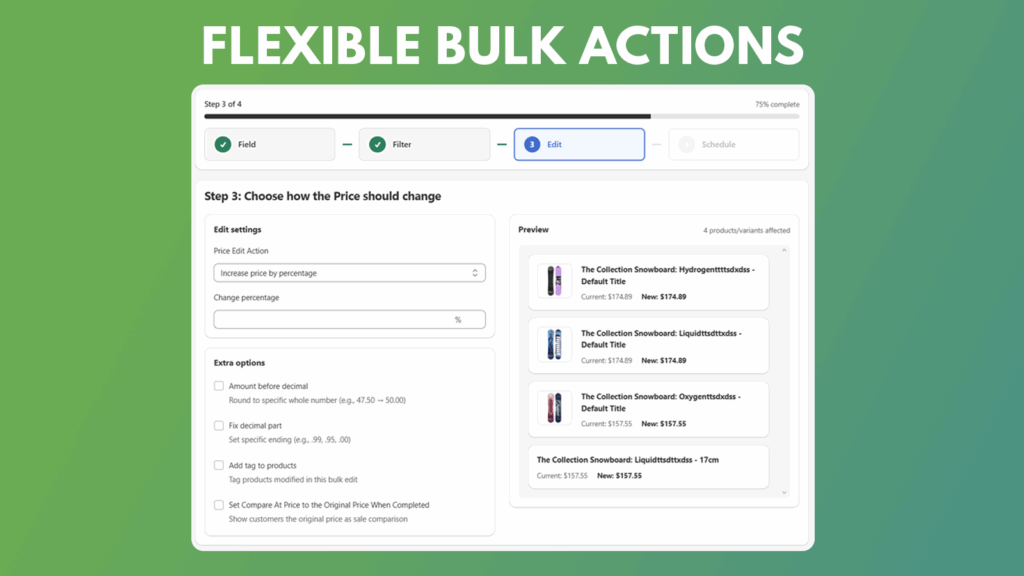
Price management is one of Flux’s most popular use cases. You can:
- Increase or decrease prices by percentage or fixed value
- Round prices to .99 or .00 automatically
- Add tags to products modified in bulk
- Automatically set compare-at prices for sales
With live preview and rollback options, merchants can verify every price change before applying it, ensuring accuracy and control.
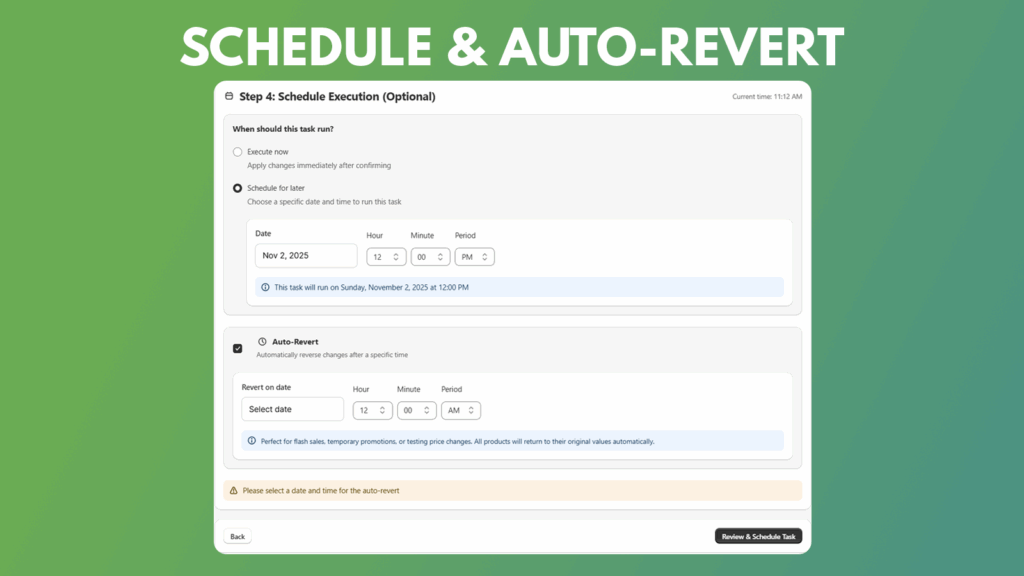
Scheduling and Auto-Revert for Total Automation
Flux lets you fully automate catalog updates:
- Choose whether to execute now or schedule for later
- Set specific dates and times for bulk edits
- Automatically revert edits after a set duration
This is especially powerful for campaigns like “Weekend Only Sale” or “Limited-Time Drops.” Once you schedule the task, Flux takes care of the rest.
[Insert Screenshot – Schedule Step]
Task Management, Logs, and Manual Revert
Every action in Flux is logged for transparency and safety. You can:
- View all completed and scheduled tasks
- Check which products were edited
- See edit times, status, and affected fields
- Revert any task manually if needed
The full edit history ensures peace of mind, especially for stores with multiple users or frequent updates.
Email Notifications for Error Handling
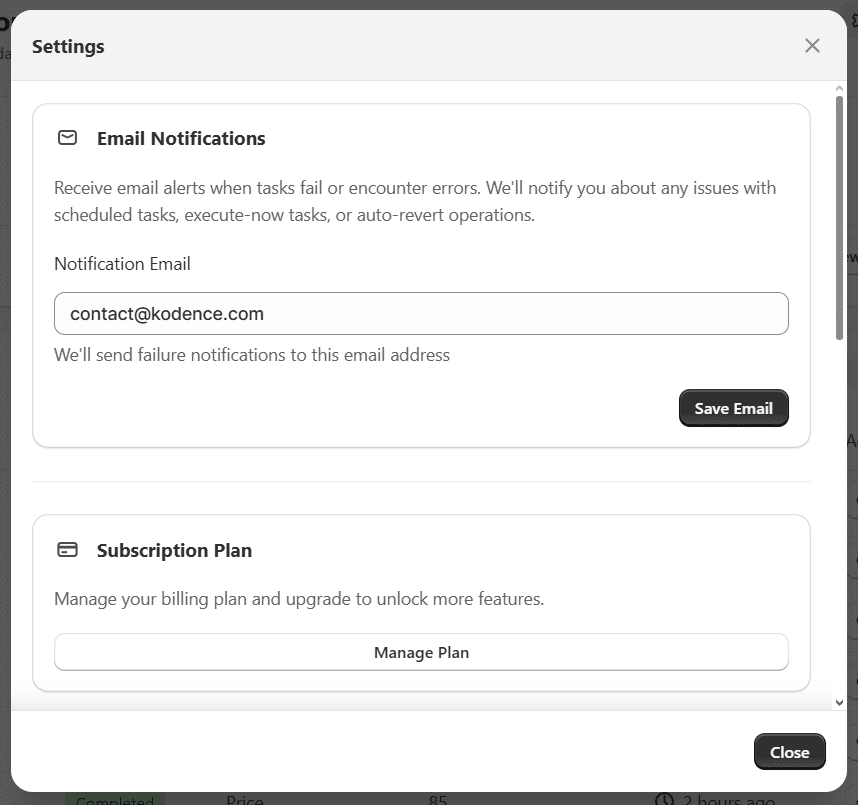
Flux includes a simple but essential feature: email notifications for failed or incomplete tasks. You’ll get automatic alerts if a bulk edit encounters issues, so you can quickly investigate and fix them.
This makes Flux especially reliable for large-scale edits where real-time monitoring is essential.
Flexible Plans for Every Merchant
Flux offers flexible pricing that scales with your business:
- Starter (Free) – Up to 10 products/variants per task, basic editing, and 7-day history
- Basic ($9.99/month) – 500 products per task, scheduling, auto-revert, and full history
- Advanced ($29.99/month) – Unlimited products, advanced scheduling, and priority support
All plans include a free 2-day trial and can be upgraded or canceled anytime.
Why Flux Is the Best Shopify App for Bulk Editing
Flux isn’t just another product editor. It’s designed to automate, scale, and safeguard your Shopify operations. Here’s what sets it apart:
- Built specifically for Shopify bulk product editing
- Supports full scheduling and auto-revert functionality
- Allows advanced filtering unmatched by other apps
- Enables bulk metafield and Google Shopping field edits
- Integrates directly with Search & Discovery for related products
- Handles large catalogs and bypasses Shopify’s variant limits
- Keeps complete task history with revert capability
- Offers error alerts, ensuring every task runs smoothly
If you’ve ever searched for the best Shopify app for bulk editing, Flux is exactly that — powerful, reliable, and made for professional merchants.
Who Uses Flux Bulk Product Editor?
Flux is trusted by a wide range of Shopify users:
- Brands running frequent sales and product updates
- Large catalogs with thousands of SKUs
- Dropshippers updating price and inventory feeds daily
- Agencies managing multiple Shopify stores
- Wholesale merchants handling variant-level edits
- SEO-driven stores keeping product metadata consistent
From independent shop owners to enterprise merchants, Flux adapts to any workflow.
How Flux Boosts Shopify SEO and Efficiency
Because Flux supports bulk updates for SEO fields like titles, descriptions, and handles, it helps maintain consistent SEO optimization across all products. Merchants can quickly edit hundreds of meta tags, ensuring every product is optimized for search engines.
Combined with cleaner product data, automated schedules, and precise tags, Flux improves not only productivity but also search visibility.
Get Started with Flux Today
The Shopify Bulk Product Editor by Flux is the most complete solution for merchants who want to automate, scale, and simplify catalog management. Whether you’re scheduling sales, updating metafields, or managing variants, Flux gives you the flexibility to do it all with confidence.
Install Flux from the Shopify App Store and start your free trial today. Once installed, you can create your first bulk task in minutes, schedule edits, and watch your workflow become faster, safer, and fully automated.
Get the App now!